
Daxtra Search NexusHow to setup and use Colleague's integration with Daxtra Search Nexus.
 Daxtra Search Nexus Daxtra Search NexusDaxtra Search Nexus is a third party solution which offers the ability to search over the Colleague database, job boards and social media in a single search. The search result is then presented with workflow options to register records onto Colleague and apply for Requirements. Within Colleague, an option would be available from the left navigational menu. 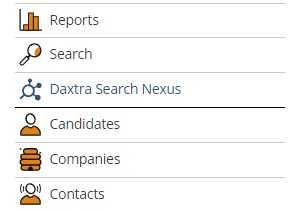
When pressed, this would open a new tab logging you into Daxtra Search Nexus. The User would then run a search as per Daxtra's search functionality (for a demonstration please reach out to Daxtra). For clients using Daxtra Search Nexus, within Global Settings, under the 'Integrations' section, you will find three new options: 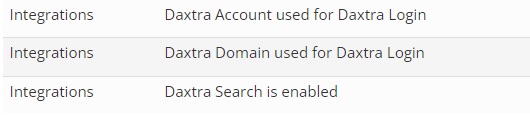
The Daxtra Account and Domain are provided by Daxtra. The enable option is a Yes/No field, which will need to be set to 'Yes'. When enabled, on the main navigation menu you will find a 'Daxtra Search Nexus' option:
When a user presses the 'Daxtra Search Nexus' option, it will open a new tab passing their User ID. Daxtra will perform an API call to verify that the user is active and licenced, and if approved it will log you into their portal: 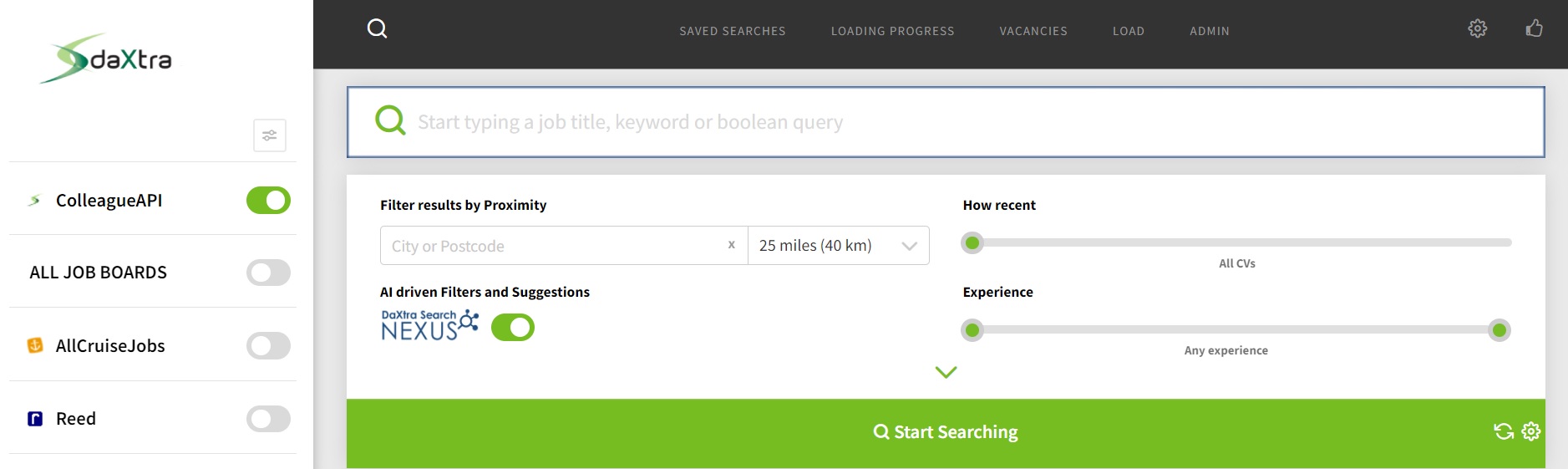
For any more information regarding how to integrate Daxtra Search Nexus, please contact the Support Team. Related Links |